
Reviews & Collaboration
Requires: Pro tier or above for full review features
Collaborate with beta readers and editors through ProseForge's integrated review system.
My Reviewers
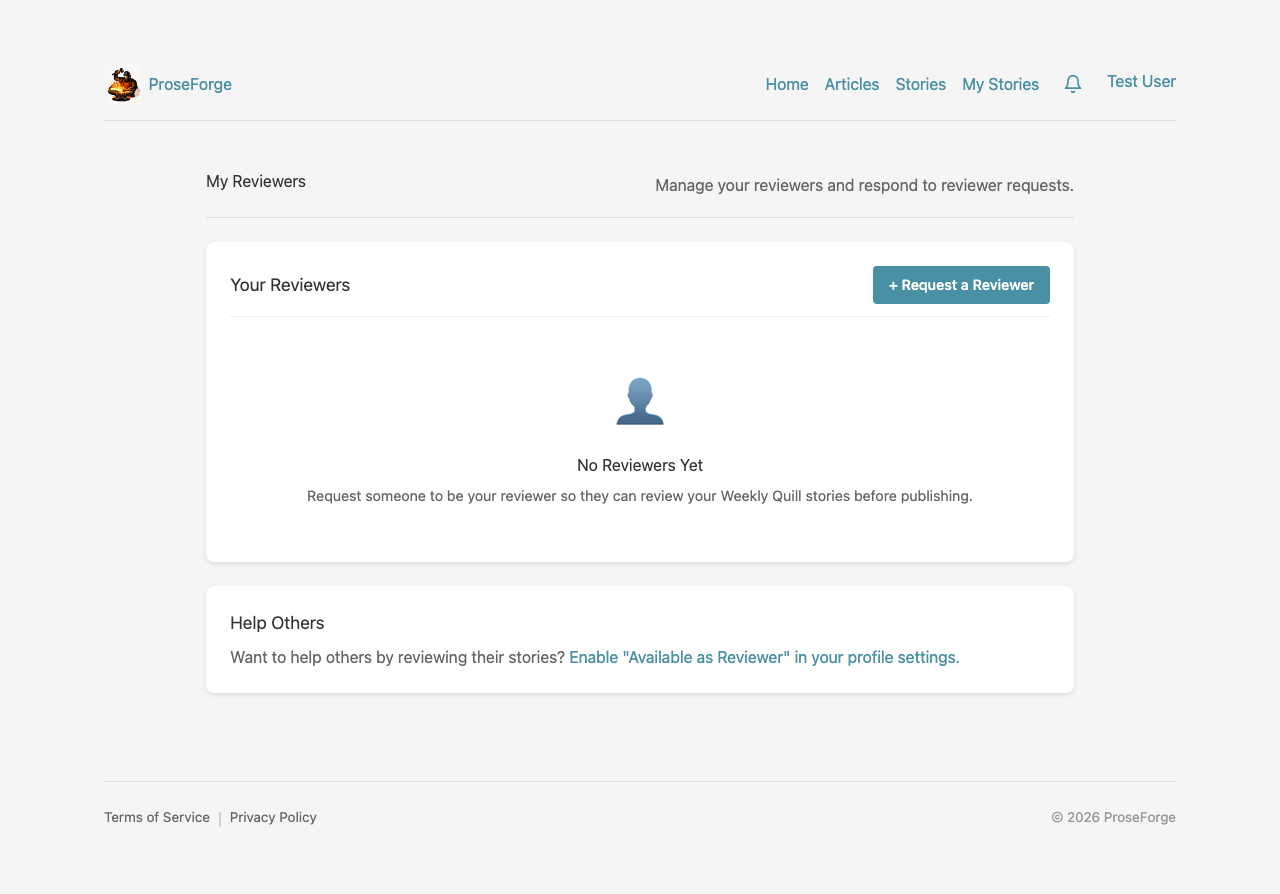
Manage who can review your stories:
- Add Reviewers - Invite trusted users to provide feedback
- Remove Reviewers - Revoke review access
- View Activity - See who has reviewed your work
Adding a Reviewer
- Navigate to My Reviewers from your profile menu
- Enter the reviewer's email address
- Click Send Invitation
- They'll receive an email to accept or decline
Pending Reviews
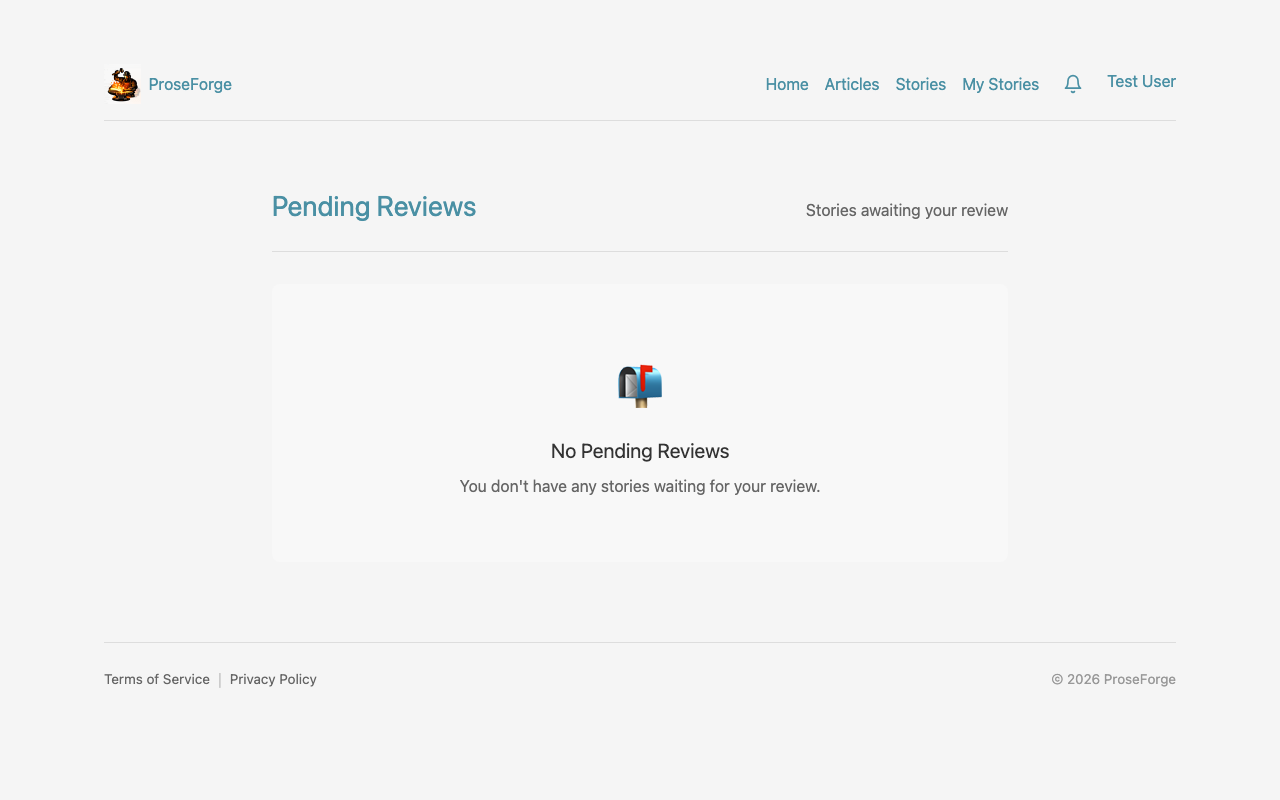
View stories waiting for your review:
- See stories from authors who've added you as a reviewer
- Click to start reviewing
- Mark reviews as complete
My Stories Reviews
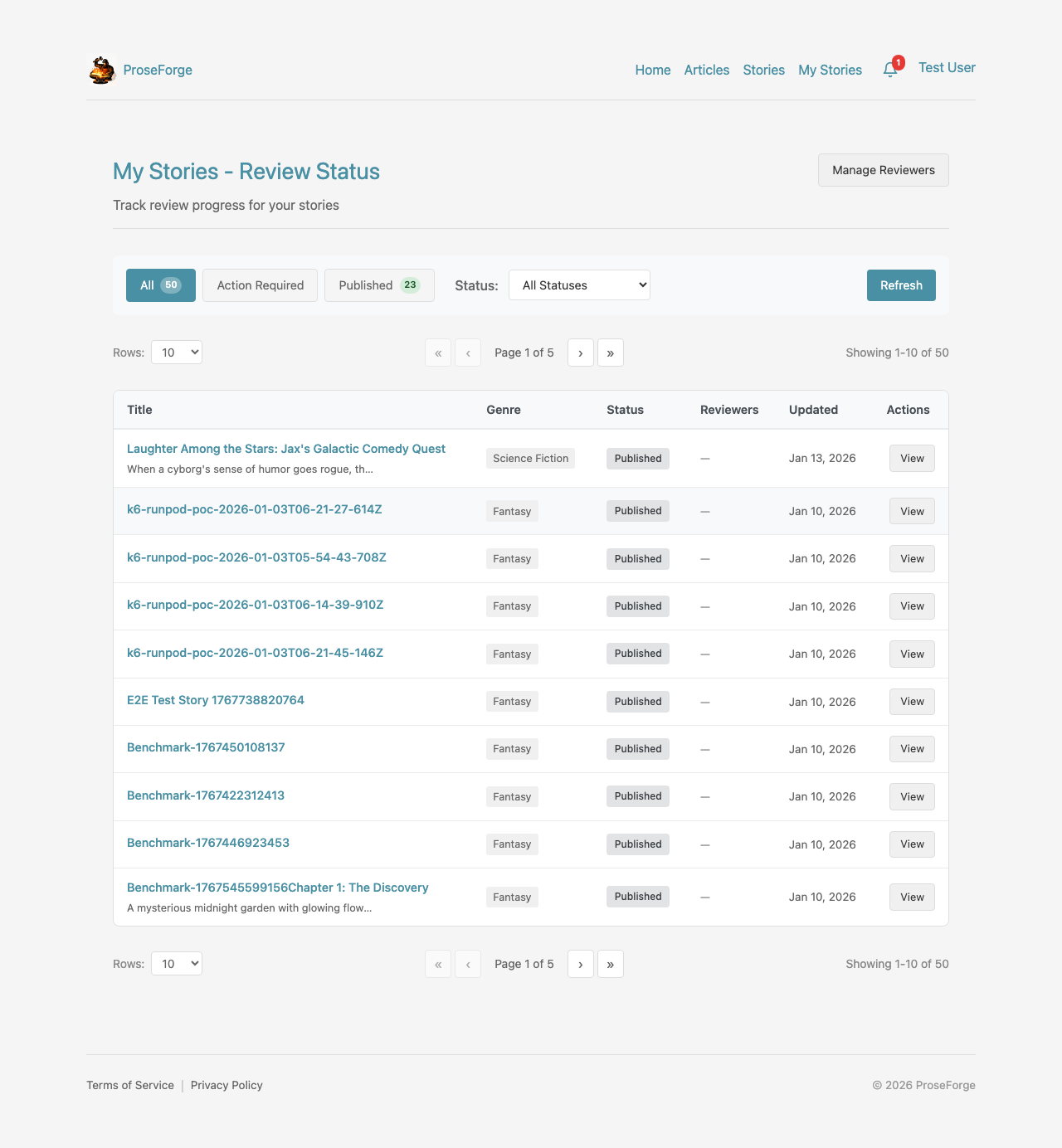
Track review status for all your stories with an organized, filterable interface.
Category Filters
- All - View all stories regardless of review status
- Action Required - Stories needing your attention
- Published - Stories that have been published
Review Statuses
| Status | Description |
|---|---|
| No Review | Review not requested for this story |
| Awaiting Response | Waiting for reviewer to accept/decline |
| Under Review | Reviewer has accepted and is actively reviewing |
| Needs Changes | Reviewer requested changes before approval |
| Ready to Publish | Reviewer approved - ready to publish |
| Published | Story has been published |
Table View
Each story displays:
- Title and creation date
- Current review status with color-coded badge
- Number of reviewers assigned
- Quick actions (Edit, Manage Reviews)
Story Review Interface
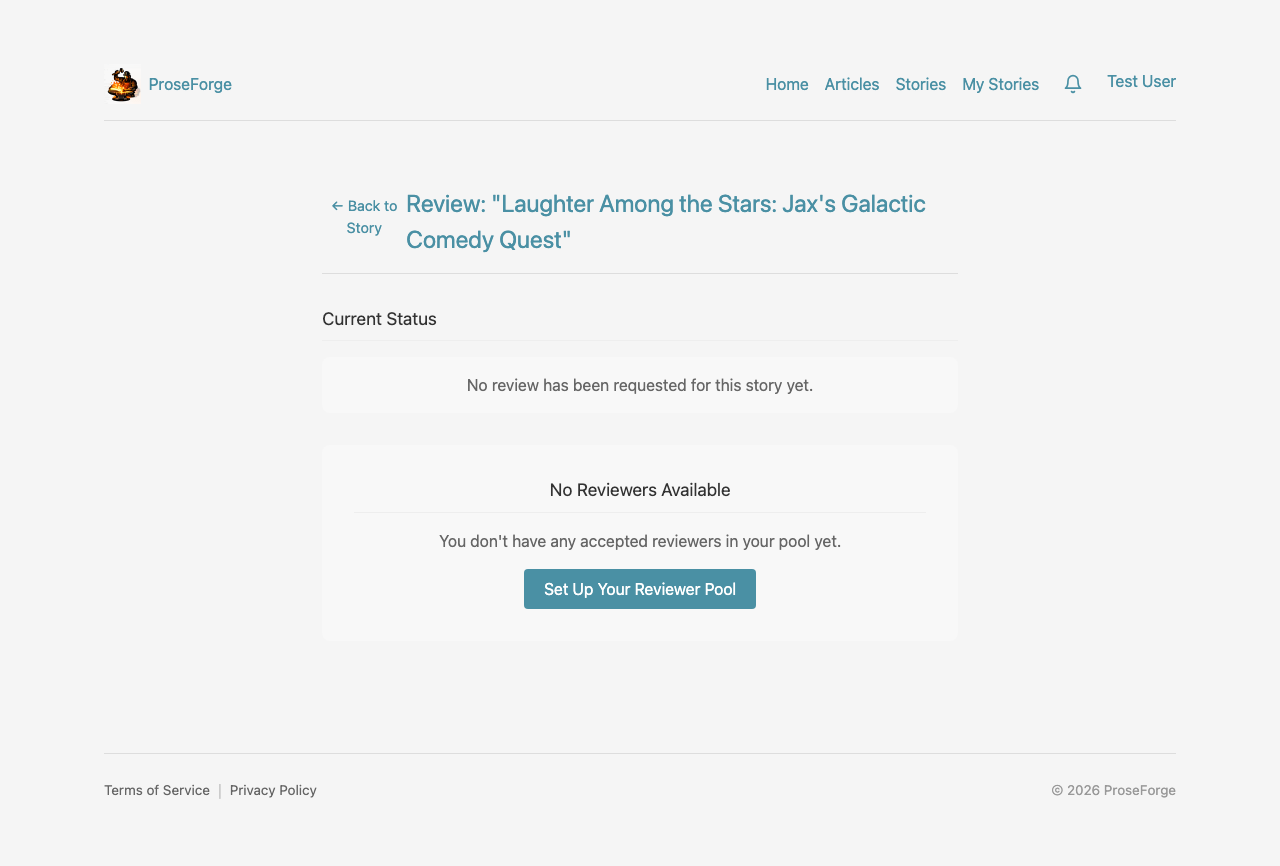
When reviewing a story:
- Read through all sections
- Rate various aspects (plot, characters, style, etc.)
- Add inline comments on specific passages
- Provide overall feedback
- Submit your review
Rating Categories
- Plot - Story structure and narrative flow
- Characters - Development and consistency
- Style - Writing quality and voice
- Pacing - Flow and tension
- Dialogue - Natural conversation
- Overall - Combined impression
Inline Comments
Click on any passage to add a comment:
- Highlight the specific text
- Type your feedback
- Mark as suggestion, question, or praise
- Author sees comments in context
Meta Review Summary
View aggregated feedback from all reviewers:
- Overall Score - Combined rating from all reviews
- Breakdown - Scores by category
- Common Themes - Frequently mentioned feedback
- Improvement Areas - Suggested focus areas
Review Workflow Best Practices
- Be specific - Point to exact passages when giving feedback
- Be constructive - Offer suggestions, not just criticism
- Be timely - Complete reviews within a reasonable timeframe
- Communicate - Use the comment system to discuss changes
Next Steps
- Story Insights - Get AI-powered quality feedback
- Story Forge - Automate story generation