
Weekly Quill
Requires: Loremaster tier
Weekly Quill automates your story creation with scheduled generation, so you always have fresh content without manual effort.
Overview
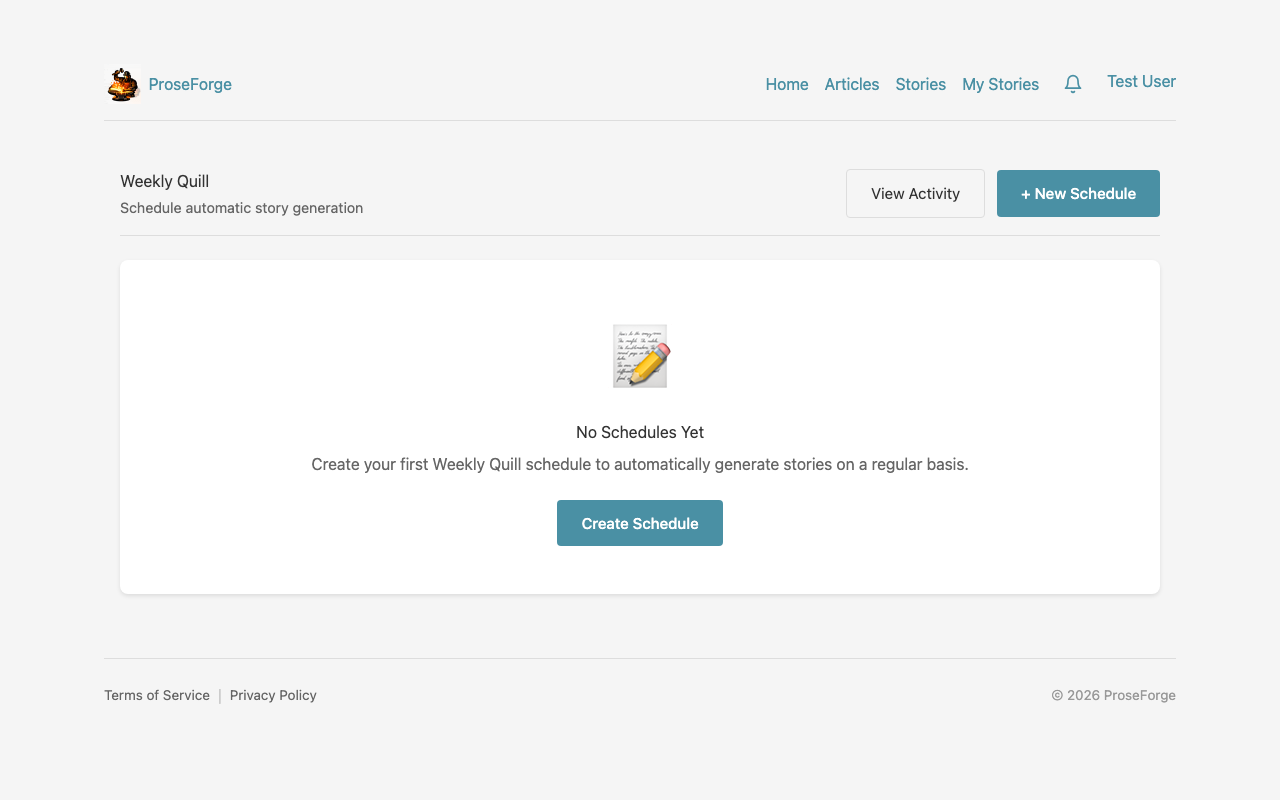
Automate your story creation with Weekly Quill:
- Schedule - Set when automatic story generation runs
- Genre - Select your preferred genre template
- Notifications - Get alerted when stories are ready
Setting Up a Schedule
Create a New Schedule
- Navigate to Weekly Quill from your profile menu
- Click Create Schedule
- Configure your preferences:
- Name - Give your schedule a descriptive name
- Frequency - How often to generate (daily, weekly, etc.)
- Day/Time - When to run the generation
- Genre - Default genre for generated stories
Schedule Options
| Option | Description |
|---|---|
| Daily | Generate a new story every day |
| Weekly | Generate once per week on a specific day |
| Bi-weekly | Generate every two weeks |
| Monthly | Generate once per month |
Managing Schedules
View Your Schedules
The Weekly Quill dashboard shows all your schedules:
- Status - Active, paused, or disabled
- Next Run - When the schedule will next trigger
- Last Run - When it last generated a story
- Stories Created - Total stories from this schedule
Pause/Resume
You can temporarily pause a schedule without deleting it:
- Click Pause to stop scheduled generation
- Click Resume to restart
- Paused schedules retain all their settings
Edit a Schedule
Modify any schedule settings:
- Click on the schedule name
- Update your preferences
- Click Save Changes
Genre Rotation
Keep your content varied with genre rotation:
- Fixed Genre - Always use the same genre
- Rotation - Cycle through selected genres
- Random - Pick a random genre each time
Setting Up Rotation
- Edit your schedule
- Enable Genre Rotation
- Select which genres to include
- Set rotation order (sequential or random)
Notifications
Stay informed about your scheduled generations:
- Email Notifications - Receive an email when stories complete
- In-App Notifications - See alerts in your notification center
- Failure Alerts - Get notified if generation fails
Notification Settings
Configure per-schedule notifications:
- Edit the schedule
- Navigate to Notifications
- Toggle email and in-app notifications
Coin Management
Weekly Quill uses coins like manual generation:
- Coin Check - Generation only proceeds if you have sufficient coins
- Reservation - Coins are reserved when generation starts
- Settlement - Coins are deducted on completion
Low Coin Handling
When coins are low:
- Generation pauses with a warning
- You receive a notification
- Resume after purchasing coins
Best Practices
- Start conservative - Begin with weekly schedules
- Monitor quality - Review generated stories regularly
- Refine instructions - Adjust the custom instructions based on the stories you get
- Watch coins - Set up low-balance alerts
- Use rotation - Vary genres to keep content fresh
Troubleshooting
Schedule Not Running
- Check if the schedule is paused
- Verify you have sufficient coins
- Confirm the scheduled time hasn't passed
Low Quality Output
- Add custom instructions to the schedule
- Experiment with different genres
Coin Issues
- View transaction history for usage
- Purchase additional coins
- Consider upgrading your subscription tier
Next Steps
- Story Forge - Manual story generation wizard
- Coins & Billing - Manage your coins